There are many ways to do this. I wanted the quickest and easiest. I run Yourls on several sites to create shortlinks for my books. Each instance of Yourls contains many URLs. I like to keep my books current. URLs tend to change and break over time. It is a chore to check 800+ links in each of my books, page after page. So I wanted a quick way to check for 404 and other broken links. In this post, […] Continue reading »

For those who know, YOURLS makes it super easy to host your own URL shortening service. I use Yourls on several sites and it works great at generating shortlinks for otherwise long and tedious URLs. So they’re easier to share, remember, social media, etc. Yourls is developed by a well-respected developer and is 100% FREE and open source for everyone. It’s a truly great app and highly recommended. Continue reading »

So yesterday I got a new phone and could not log in to my account at WordPress.org. Why? Because I had enabled Two-factor authentication (2FA) on my account as an extra layer of security. I had been completing this 2FA step on my old phone using the Google Authenticator app, which works great. The problem is that I had not yet transferred my Authenticator codes to my new phone. So when I tried to log in to my WordPress.org account, […] Continue reading »
Was thinking of the things that are absolutely essential for my line of work, at least for my own operation working with WordPress and web development. Not so much the technical and code side of things, but more of the “meta” or “big picture” type of stuff. Some are simple and others require a bit of explanation. Some are specific to working on the Web, and some probably would apply to any line of work. But I am a web […] Continue reading »

As a full-time web developer and typical human being, I rely on the Internet for a great many things. So when the Internet is not available, my work (and play) comes to a grinding halt. Fortunately my primary ISP is pretty solid, but it still goes down every once in a while. So to maintain my workflow (and general sanity), having a backup Internet service provider is absolutely essential. Here’s one way to do it.. Continue reading »
Traceroute not working correctly via macOS Terminal app, which is how I’ve been doing it for years now. For some reason, the traces hang up and never complete for certain sites. After some time troubleshooting and not finding any solution, I decided to look for alternate ways of performing traceroutes and site pings. Fortunately there are tons of free tools. Here are some of the useful services and apps that I’ve found.. Continue reading »
This is a quick post following from the latest redesign of my WordPress plugins website, Plugin Planet. There, I make use of WordPress great query functionality to display archives of multiple categories. For example, here is the combined archive for BBQ Pro and Docs. So that category archive displays all documentation posts for BBQ Pro. Likewise for other categories, for example here is the combined archive for Banhammer Pro and Tutorials. That category archive displays all tutorial posts for Banhammer […] Continue reading »
I use domain-based emails for 99% of my email activity. The other 1% is comprised of assorted 3rd-party email services and temporary slash disposable addresses (like for testing purposes and one-off sign-ups, etc.). I can tell you whole-heartedly based on 20+ years working online that self-hosted email is THE WAY to go. Continue reading »
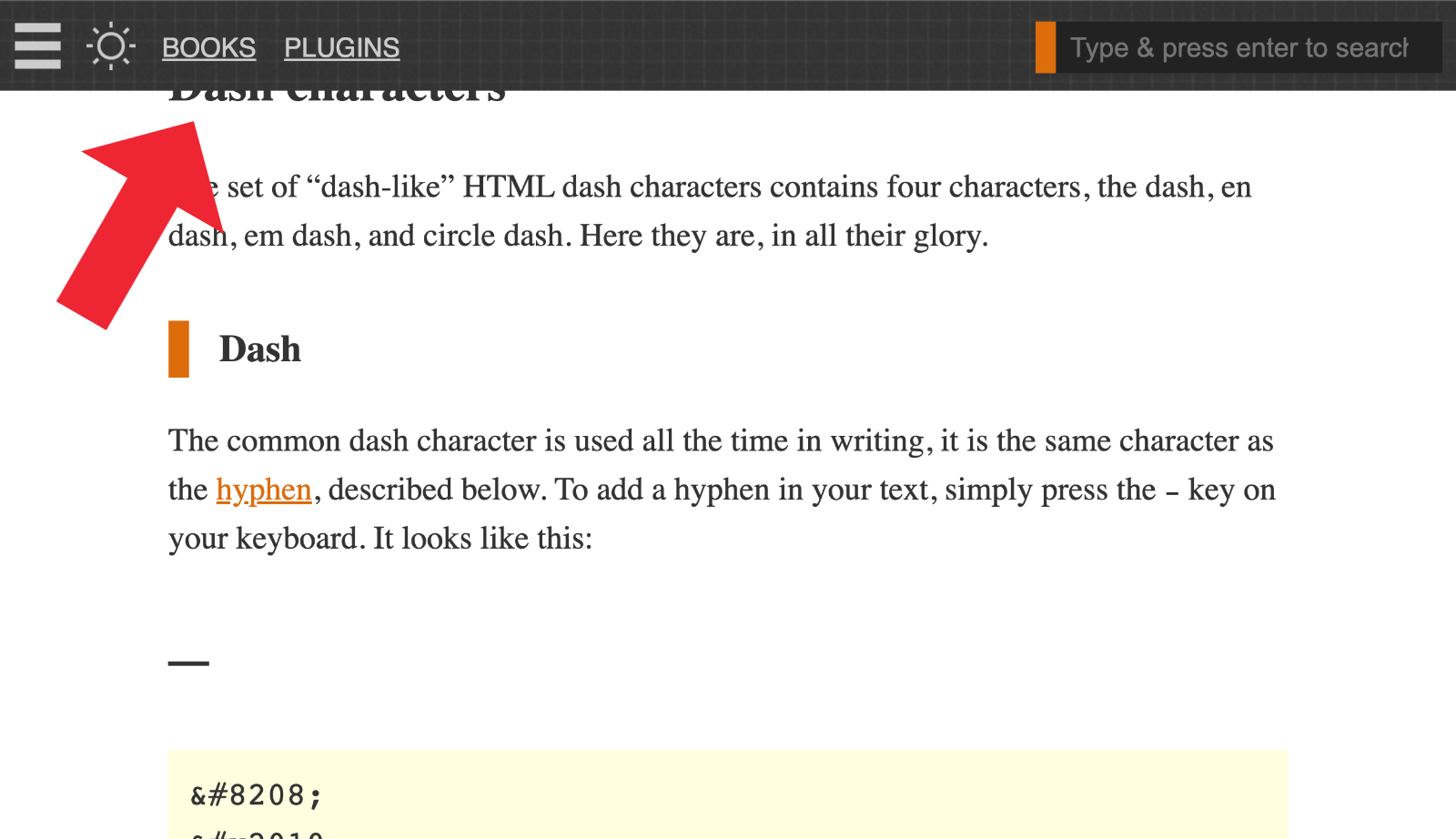
For sites using a fixed-position “sticky” header or similar, it’s necessary to add an offset margin to any on-page anchor targets. For example this recent article provides a Table of Contents menu with links to each section on the page. Click a link and the page scrolls down to the target element, which is an <h2></h2> heading tag. Thanks to one of the CSS solutions provided in this tutorial, the scrolling takes into account the page’s 50-pixel sticky header, so […] Continue reading »
In WordPress themes and plugins, the Loop is used to display posts on the front end. Typically the Loop displays either a single post (like when you’re viewing a blog post), or multiple posts (like when you’re viewing a category archive). Things get more tricky however, when you want to display posts on a page. Continue reading »

Like many of you, I have been working online for years now, more than most. Over the course of the past 20 years, I have created accounts at hundreds and hundreds of websites. That includes all the work-related stuff, like web development, plus LOTS of social media sites, online services for everything from email to security monitoring. Not to mention all of the accounts created for mundane things like banking, utilities, Internet and phone service, and so forth. Continue reading »

Your website’s robots.txt file probably contains some rules that tell compliant search engines and other bots which pages they can visit, and which are not allowed, etc. In most of the robots.txt files that I’ve looked at, all of the Allow and Disallow rules are applied to all user agents. This is done with the wildcard operator, which is written as an asterisk *, like this: User-agent: * This site’s robots.txt file provides a typical example. All of the allow/disallow […] Continue reading »

Prismatic is a free WordPress plugin that adds syntax highlighting to code samples. You can use either Highlight.js or Prism.js to make your code snippets look amazing. By default, Prismatic highlights code snippets in both post content and post comments. This quick tutorial shows how to disable highlighting in post comments by adding a simple code snippet to your WordPress. Estimated time to complete ~2 minutes. Continue reading »
Prismatic is a free WordPress plugin that adds syntax highlighting to code samples. You can use either Highlight.js or Prism.js to make your code snippets look amazing. This quick tutorial shares a way to customize Prismatic to save time scrolling thru a bunch of language options. Huge time-saver and simple to implement in a few minutes. Continue reading »
I haven’t seen anyone mention this little CSS tip. All the proprietary vendor-specific placeholder rules now safely can be replaced with just ::placeholder. Seems very useful especially with the ever-increasing emphasis on site performance. The end result is less code and thus faster loading, better SEO and so forth. Continue reading »

I’ve always made use of CSS text-decoration properties in my theme designs and other dev work. From underlining text to making hyperlinks look great, text-decoration is essential CSS. Until recently I was not aware of a couple of related properties, text-underline-offset and text-underline-position. I am currently planning the next redesign of Perishable Press and thinking about using text-underline-offset to add some style to various link elements. So this post is to bring these related CSS properties together on paper, forever […] Continue reading »
 Perishable Press is operated by Jeff Starr, a professional web developer and book author with two decades of experience.
Here you will find posts about web development, WordPress, security, and
Perishable Press is operated by Jeff Starr, a professional web developer and book author with two decades of experience.
Here you will find posts about web development, WordPress, security, and